Wilfred IceField
Freelance Colorist & Color Grader
For film, commercials & branded content — graded in DaVinci Resolve.
A consistent, cinematic look in SDR, HDR and Dolby Vision — remote or on-site, with a private client portal for upload, review and delivery.
- Dolby Vision workflow
- SMPTE member
- Flanders Scientific monitoring
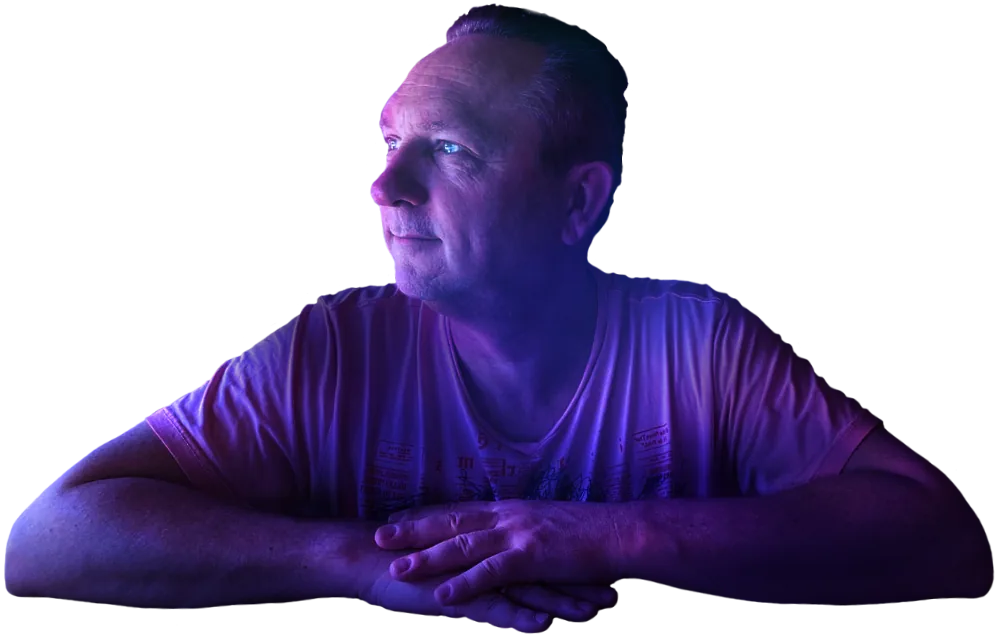
Portfolio
A selection of projects and studio moments. My full list of credits is on IMDb.

HDR 8K grading
High-end HDR workflow with exceptionally high-quality camera footage.

Pearl
Cinematic look development and finishing in DaVinci Resolve.

Butterfly
A short film in a single long take — color as a storytelling tool.

Voor Altijd
Subtle grading with a focus on emotion and skin tones.
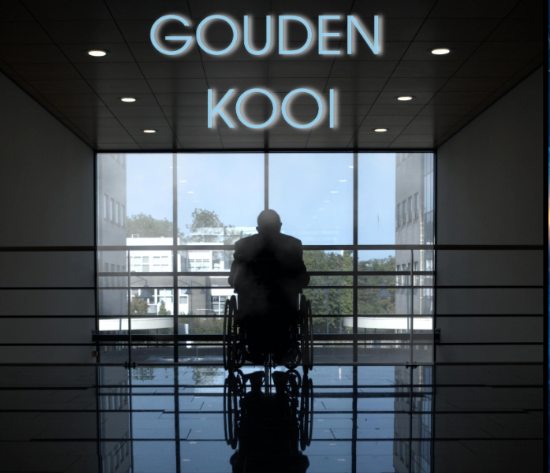
Gouden Kooi
Strong, dark grading with a focus on drama and skin tones.
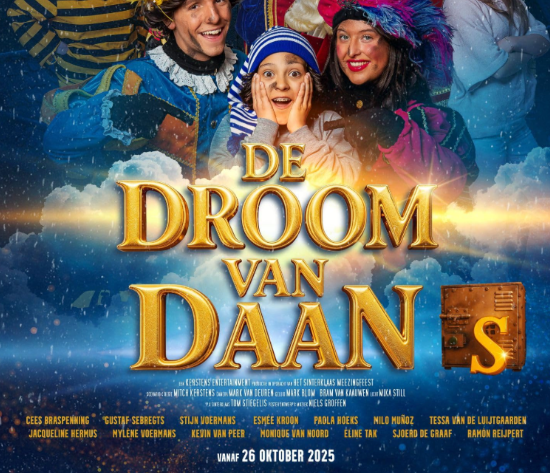
Droom van Daan
A cheerful Sinterklaas film full of bold RGB colors.
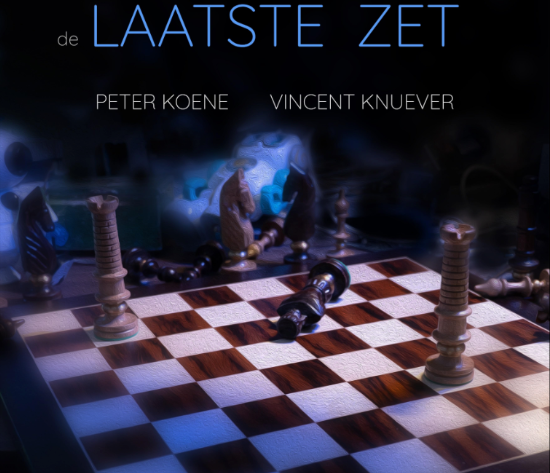
Laatste Zet
Going all out with contrast and blue.
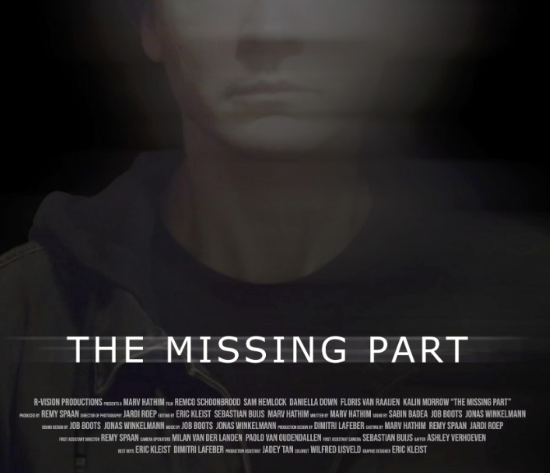
The Missing Part
Subtle soft grading with a focus on emotion and skin tones.
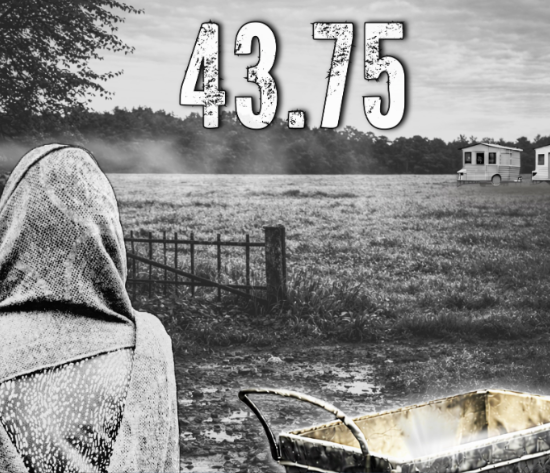
43.75
Subtle grading with a focus on emotion and skin tones.
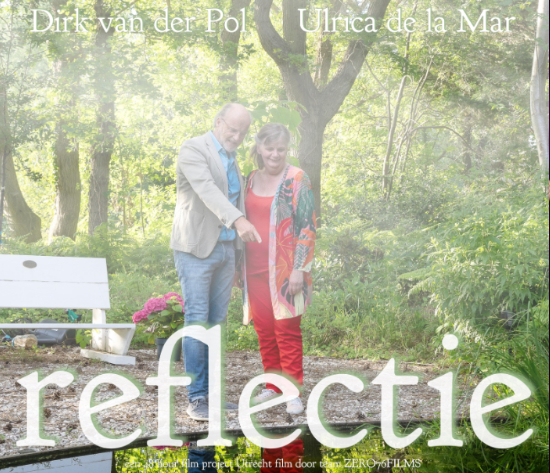
Reflectie
48-hour project — fast, clean, and consistent for delivery.

Book
“Exploring the impact of stereotyping in color grading”

Showreel
Focused on look consistency, detail, and finishing.

Morgen Vitaal
Online program — grading tailored to audience and platform.
Services
Choose the workflow that fits your project. Feel free to request a quote.
How it works
Less hassle for your producer
Every project gets its own private client portal. Your team uploads the footage, reviews the grade on the exact frame and receives the quote, invoice and final masters — all behind one link. No WeTransfer chains, no timecodes lost in email.
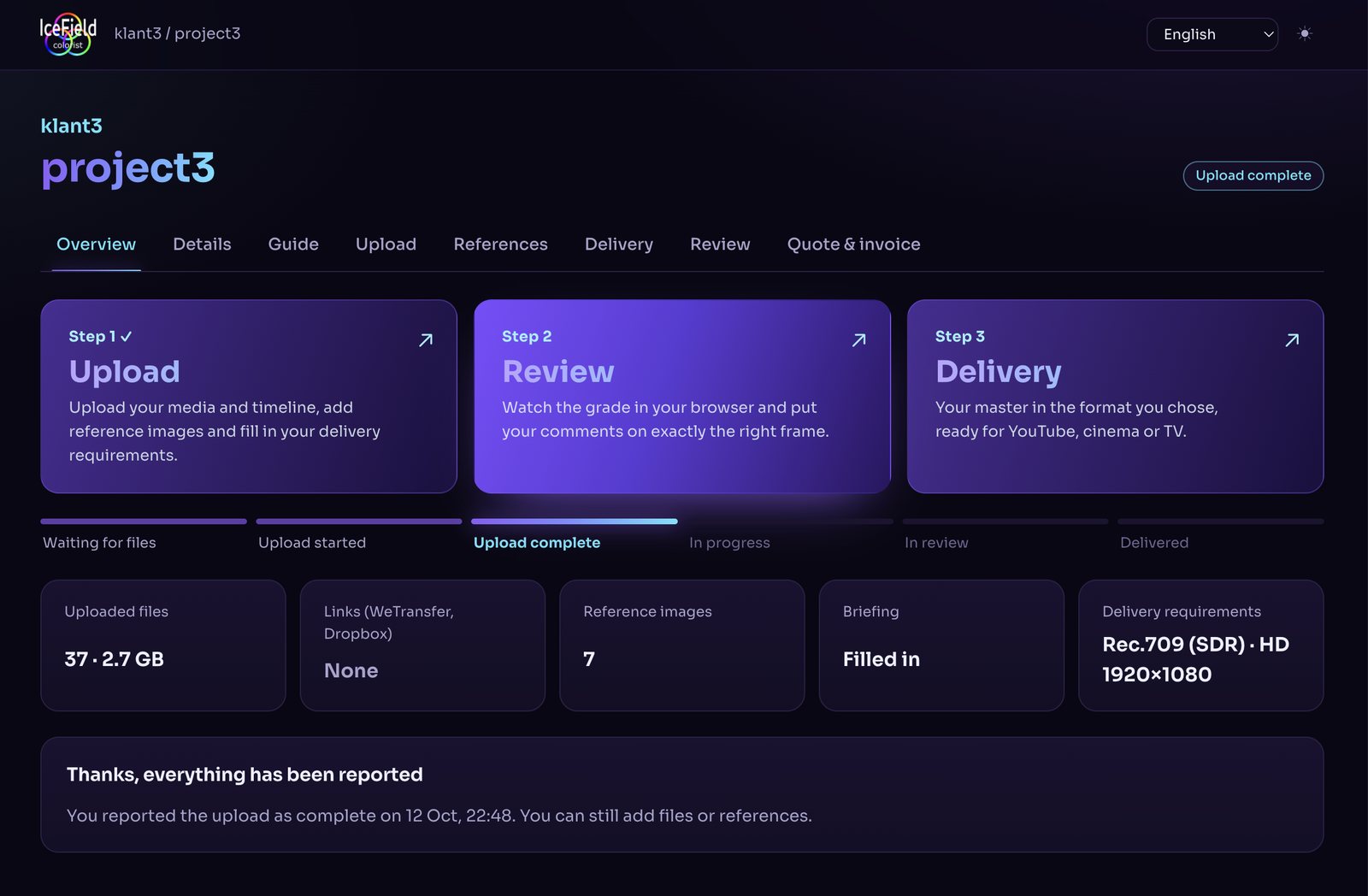
- One link, no accountWorks in any browser, on a laptop or a phone.
- Notes on the exact frameComments arrive as markers in my DaVinci Resolve timeline.
- Versions side by sideCompare the new grade with the previous one before you approve.
- Private by designFootage stays on my own studio server in the Netherlands.
-
Step 1
Upload
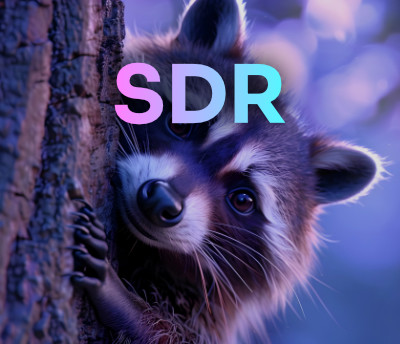
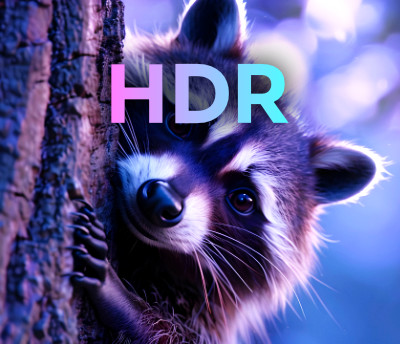
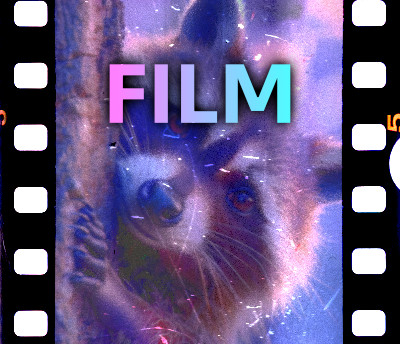
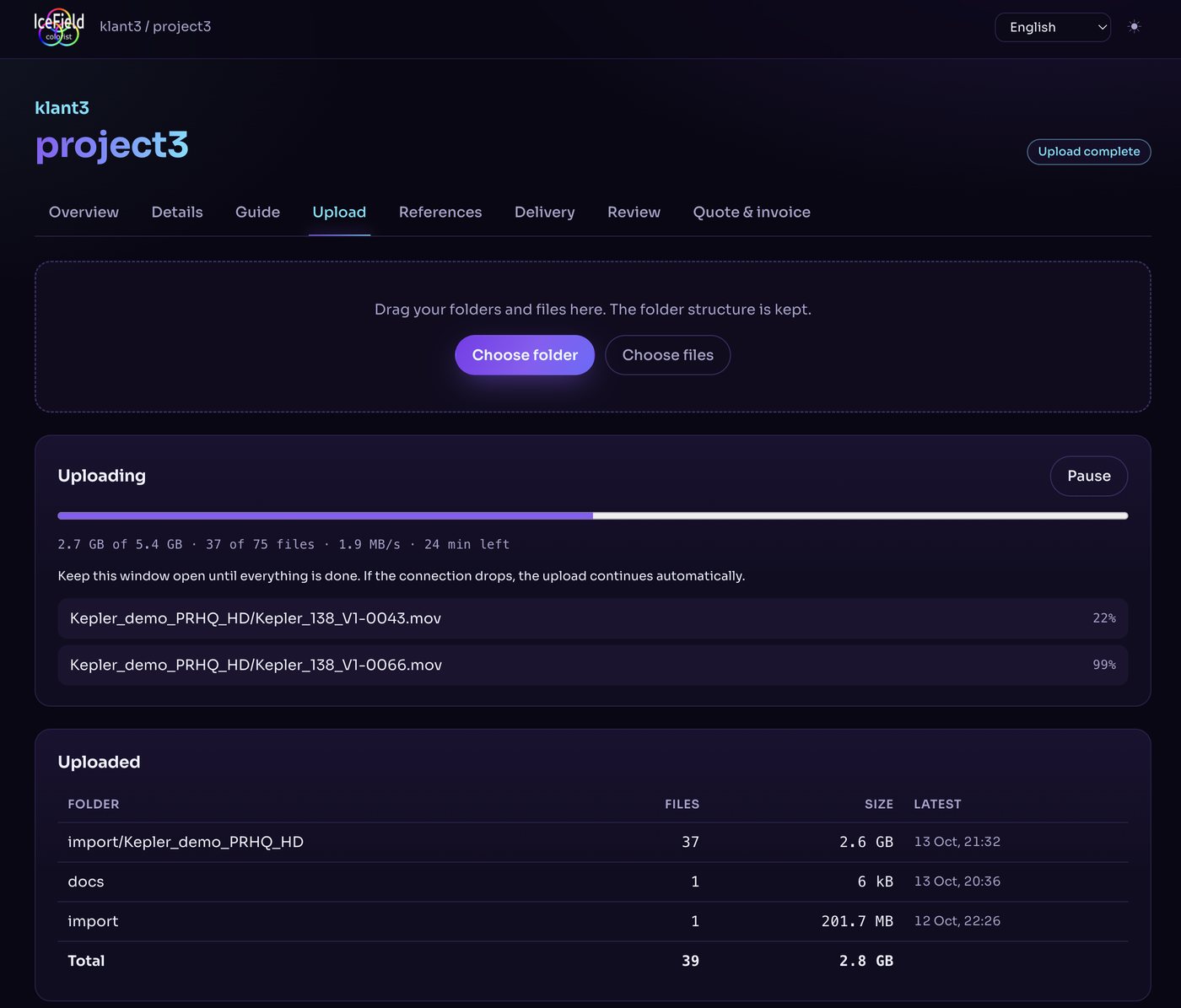
Choose SDR (100 nits), HDR (1000 nits) or film restoration. With your quote you receive the portal link: drag in whole folders, add reference stills, a briefing and your delivery specs. If the connection drops, the upload carries on by itself.
-
Step 2
Review & feedback
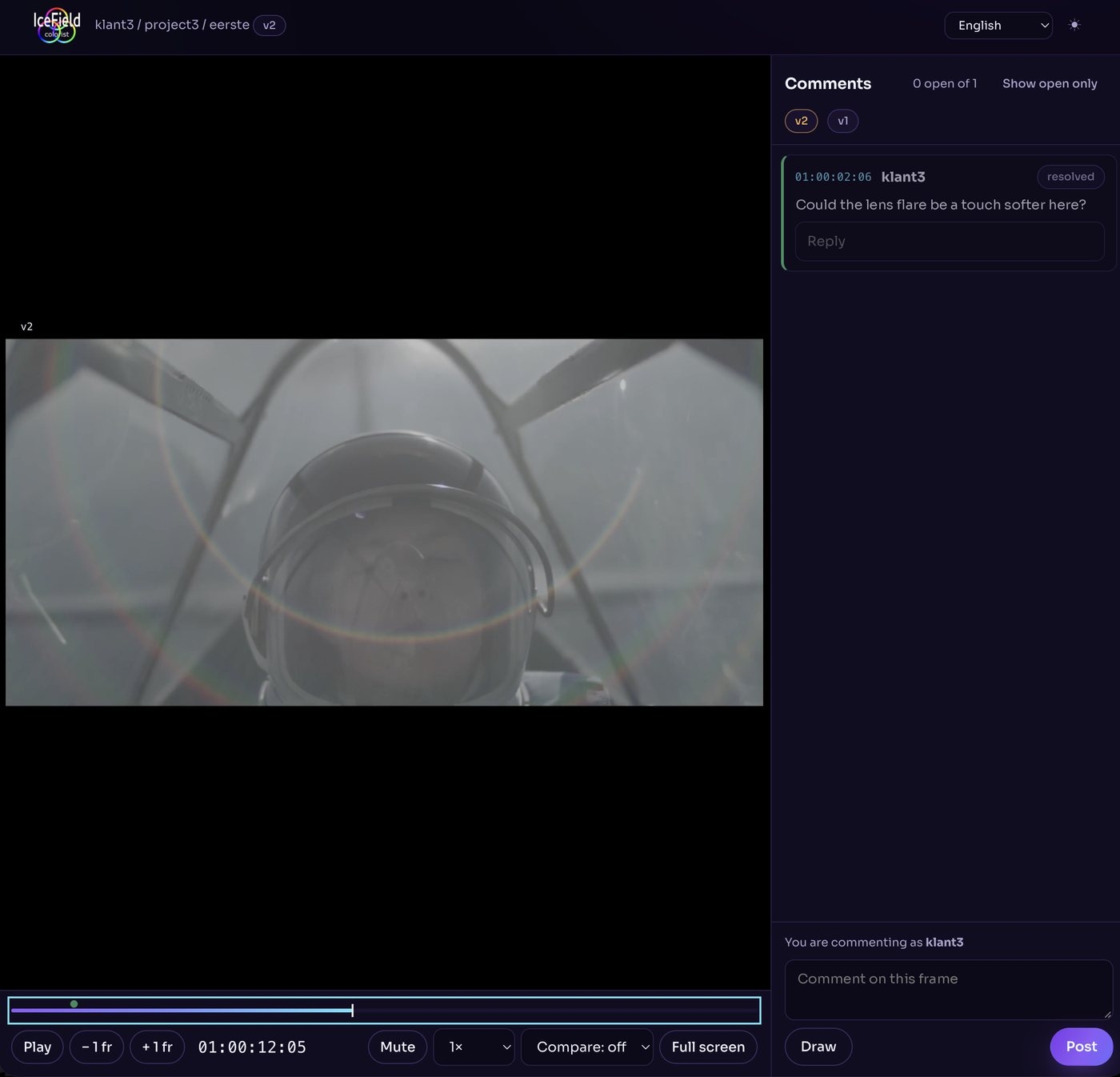
Watch the grade in your browser with frame-accurate timecode. Pause, comment or draw on the image, reply and compare versions. I translate your notes directly into the grade. Live remote attendance is possible too.
-
Step 3
Final masters
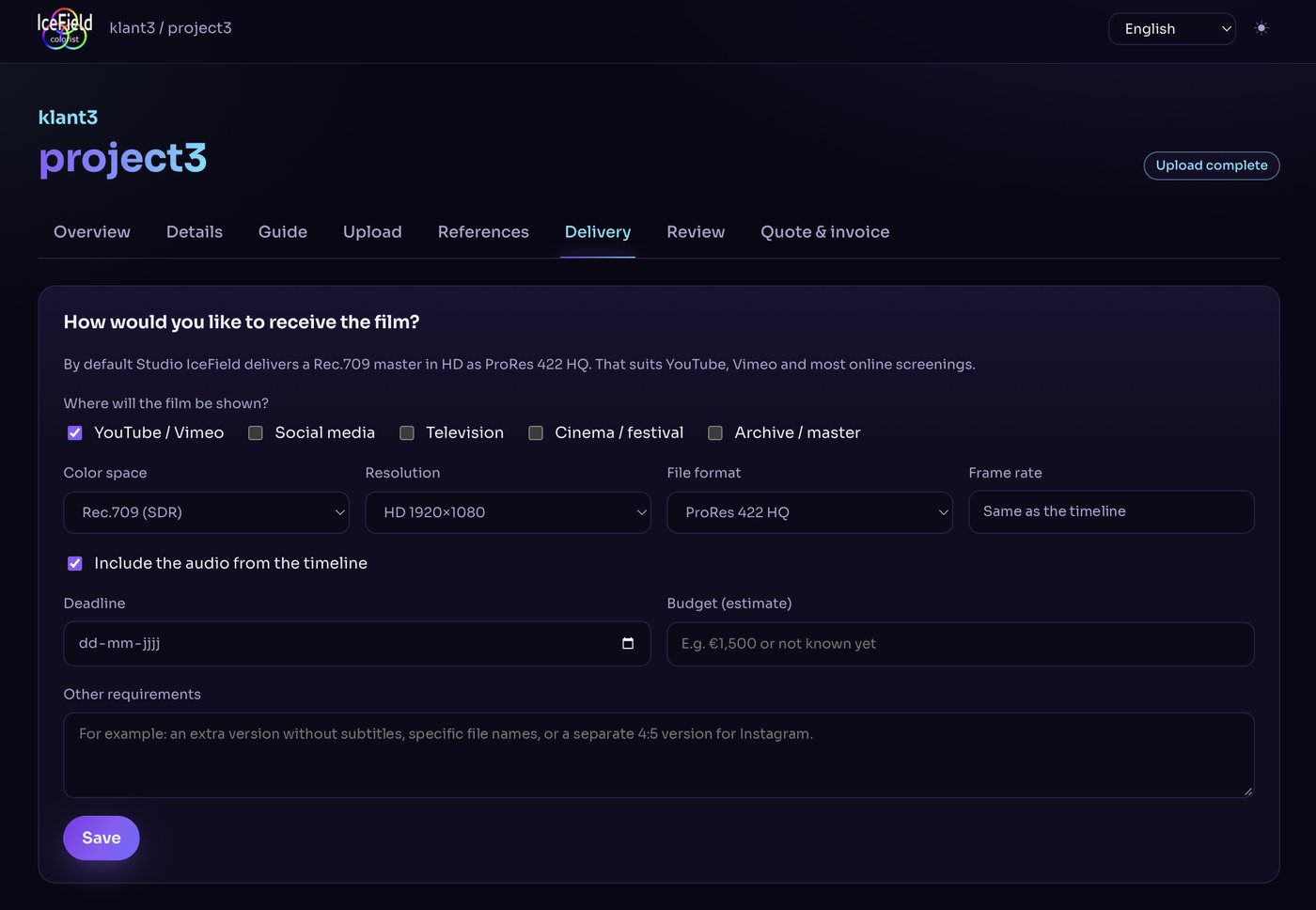
Tell me where the film will be shown and in which format you need it. By default you get a Rec.709 HD master as ProRes 422 HQ; HDR10, Dolby Vision and DCP are available too. After approval and payment I deliver the final masters.
About
About Wilfred IceField
I’m Wilfred, a freelance colorist and color grader for film, commercials and branded content, working from Studio IceField in Aerdenhout, the Netherlands — remotely or on-site. DaVinci Resolve is my core tool.
I work with directors, DOPs, producers and agencies to make images consistent, cinematic and brand-ready. From subtle, natural grades to bold, stylized looks: color should elevate the story — never distract from it.
Building the right look together
Color grading is about emotion, rhythm and focus. I translate creative intent into an image that is technically accurate and emotionally resonant. My goal is always the same: clarity, consistency and feeling.
- Studio
- Aerdenhout, the Netherlands · remote or on-site
- Grading
- DaVinci Resolve, Colourlab AI for look development
- Monitoring
- Calibrated Flanders Scientific reference monitors
- Workflows
- SDR, HDR10 and Dolby Vision
- Delivery
- Cinema (DCP), broadcast (Rec.709 / Dolby Vision), online (HDR10)
- Timelines from
- Avid Media Composer, Premiere Pro, Final Cut Pro, Resolve
 DaVinci Resolve
 Colourlab AI
 Media Composer
 Affinity
 Strada
 Claude
Credits on IMDb
 Dolby Vision Professional Workflow
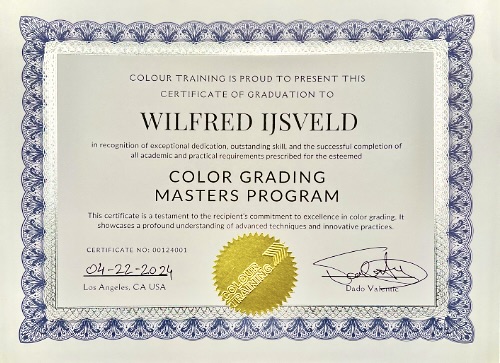 Color Grading Masters Program
 Registered member of SMPTE
Dolby Vision Professional Workflow
Color Grading Masters Program
Registered member of SMPTE

Frequently asked questions
About remote color grading, the client portal and delivery.
What does Studio IceField do?
Studio IceField is the color grading studio of freelance colorist Wilfred IceField in Aerdenhout, the Netherlands. I do color grading and color correction in DaVinci Resolve for film, commercials and branded content, in SDR, HDR and Dolby Vision, plus film restoration. I work remotely or on-site.
How does remote color grading with Studio IceField work?
In three steps. 1. Upload: you receive a private portal link with your quote and upload your footage, timeline, reference stills and delivery specs. 2. Review: you watch the grade in your browser and leave frame-accurate comments and drawings. 3. Final masters: after approval the invoice appears in the portal, and after payment I deliver the masters in the agreed formats.
What is the Studio IceField client portal?
A private web portal per project where your team uploads footage, adds references and delivery specs, reviews the grade on the exact frame, compares versions side by side and approves the quote and invoice. It replaces separate tools for file transfer, review and paperwork.
Do I need an account or software to use the portal?
No. You open the project link with its access code in any modern browser, on a laptop or a phone. The portal is available in English and Dutch, in a light or dark theme.
Where is my footage stored?
On my own studio server in the Netherlands, not on a third-party review platform. Every project has its own private link and access code.
How do I give feedback on the grade?
Pause the video, type your comment or draw on the frame, and post it. Every comment carries its timecode and arrives as a marker in my DaVinci Resolve timeline. You can reply to comments and compare a new version with the previous one.
Which delivery formats do you offer?
By default a Rec.709 master in HD as ProRes 422 HQ, which suits YouTube, Vimeo and most online screenings. HDR10, Dolby Vision, UHD and 4K, DCP for cinema, and other codecs such as ProRes 4444, DNxHR or H.264 are available on request.
Which editing software can I deliver from?
You can upload media with an XML, FCPXML, AAF or EDL timeline from DaVinci Resolve, Avid Media Composer, Adobe Premiere Pro or Final Cut Pro, or a Resolve project file.
How do I get a quote?
Send a short brief through the contact form, by email to wilfred@icefield.nl or via WhatsApp. Your quote arrives with your own portal link, and you can approve it online with one click.
Let’s talk about your project
Working on a film, commercial or branded content in post? Tell me about the project, the deadline, the look you have in mind and the deliverables. You’ll get a quote with your own portal link, and I’ll gladly think along on planning and workflow.
-
Email
wilfred@icefield.nl -
WhatsApp
Send a message -
Location
Studio IceField
Aerdenhout
The Netherlands